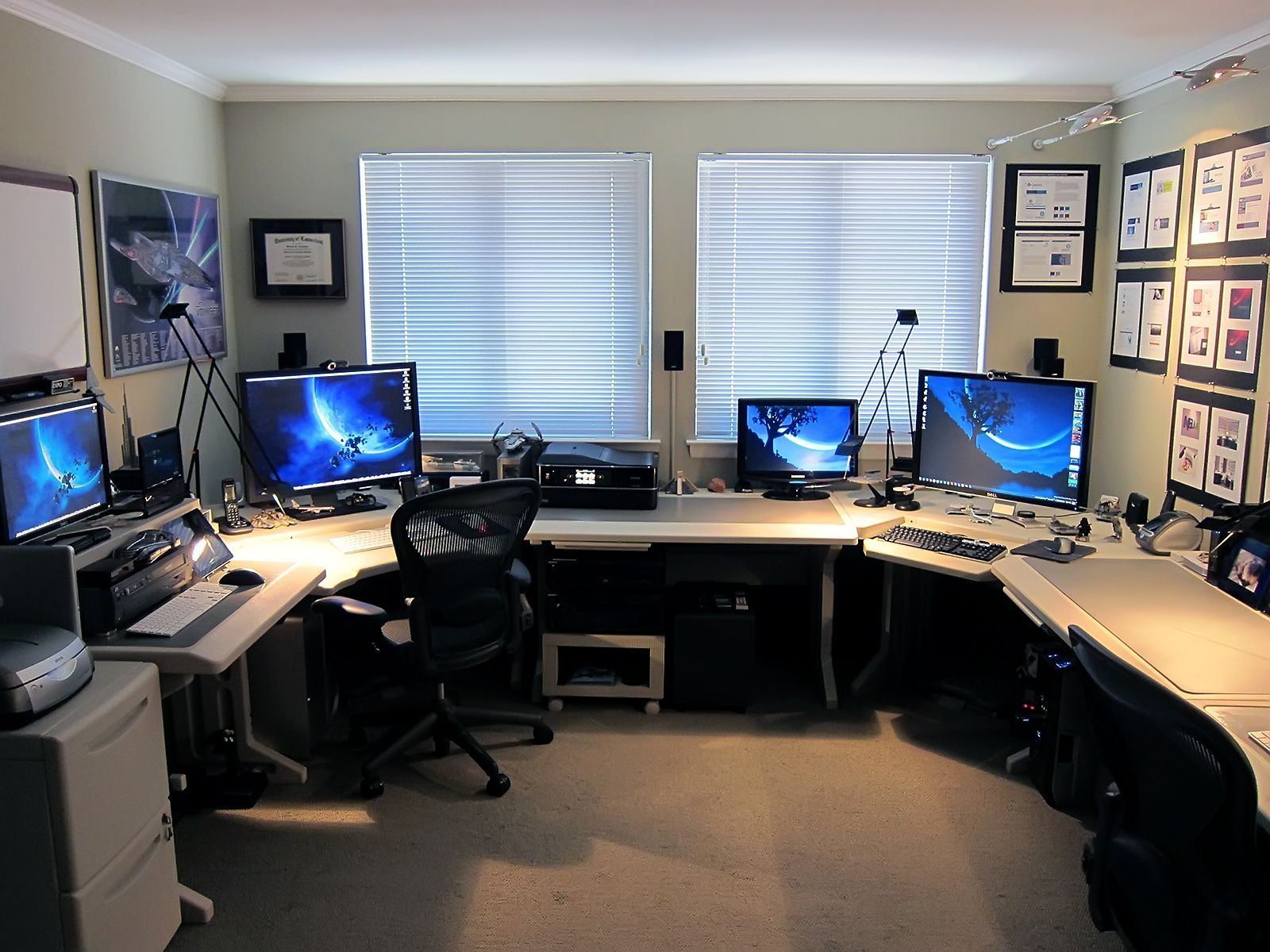
Computer Setups for Efficient Remote Working
Introduction
In today’s digital age, remote work has become increasingly popular. Whether you are a freelancer, digital nomad, or have recently transitioned to remote work due to unforeseen circumstances, having a well-equipped computer setup is essential for maximizing productivity and efficiency. In this article, we will explore the key components and strategies to enhance your remote working experience.
1. Ergonomic Furniture
Investing in ergonomic furniture, such as an adjustable desk and an ergonomic chair, is crucial for maintaining a healthy posture and reducing the risk of chronic pain or discomfort. Working long hours at a computer can take a toll on your physical well-being, so opt for a setup that promotes proper alignment of your body.
2. Dual Monitors
Two monitors enable you to have multiple applications, documents, or web pages open simultaneously, increasing your productivity by eliminating the need for constant toggling between screens. Use one monitor as your primary workspace and the other for reference materials, communication tools, or project tracking.
3. High-Speed Internet Connection
A robust and reliable internet connection is crucial to maintaining a smooth workflow. Slow internet speeds can be frustrating and hinder your productivity. Consider investing in high-speed internet or upgrading your current plan to ensure uninterrupted access to online resources and communication tools.
4. Noise-Canceling Headphones
Working remotely often comes with its fair share of distractions, such as street noise, household sounds, or even chatter from nearby co-workers if you are in a coworking space. A pair of noise-canceling headphones can help you stay focused by blocking out ambient noise, allowing you to concentrate better on your tasks at hand.
5. Ergonomic Keyboard and Mouse
Typing for extended periods can strain your wrists and hands. Invest in an ergonomic keyboard and mouse that provide proper support and reduce the risk of repetitive strain injuries. Look for options that promote a natural hand position to enhance comfort and maximize your productivity.
6. Backup and Data Security Solutions
As a remote worker, it is crucial to prioritize data security and backup solutions to safeguard your work. Consider using cloud storage services or external hard drives for regular backups. Additionally, invest in reputable antivirus software and keep your operating system updated to protect your computer from potential threats.
7. Video Conferencing Equipment
Remote work often involves video conferences and virtual meetings. Ensure you have the necessary equipment, such as a high-quality webcam and microphone, to participate effectively. Clear and crisp audiovisual communication is essential for collaborating with team members and clients remotely.
8. Cable Management Solutions
Messy cables can be both unsightly and a potential hazard. Invest in cable management solutions like cable clips or cable sleeves to keep your workspace organized and free from tangled wires. Not only will this improve the aesthetic appeal of your setup, but it will also make it easier to locate specific cables when needed.
9. Task Lighting
Proper lighting is crucial for reducing eye strain and maintaining focus during long hours of remote work. Provide adequate lighting on your workspace, avoiding harsh glare or dim surroundings. Consider using a desk lamp with adjustable brightness levels to customize your lighting based on your preferences and needs.
10. Personalize Your Space
While functionality is important, don’t forget to inject a personal touch into your remote working setup. Add elements that inspire you, such as plants, artwork, or motivational quotes. A well-designed and personalized workspace can enhance your mood, creativity, and overall satisfaction with remote work.
Conclusion
A well-equipped computer setup is essential for remote work success. From ergonomic furniture to dual monitors, high-speed internet, and data security solutions, each component plays a vital role in enhancing productivity and efficiency. Invest in the right tools and create a workspace that promotes comfort, focus, and personalization. With the right computer setup, you can achieve an optimal remote working experience.