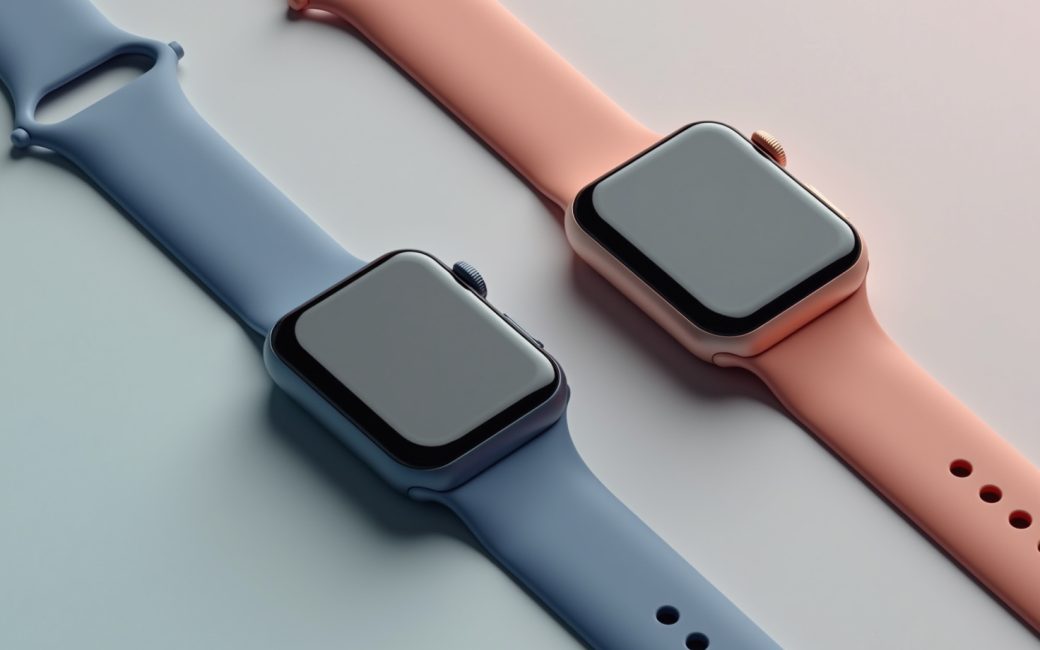
You need a product hands-on or on the same day
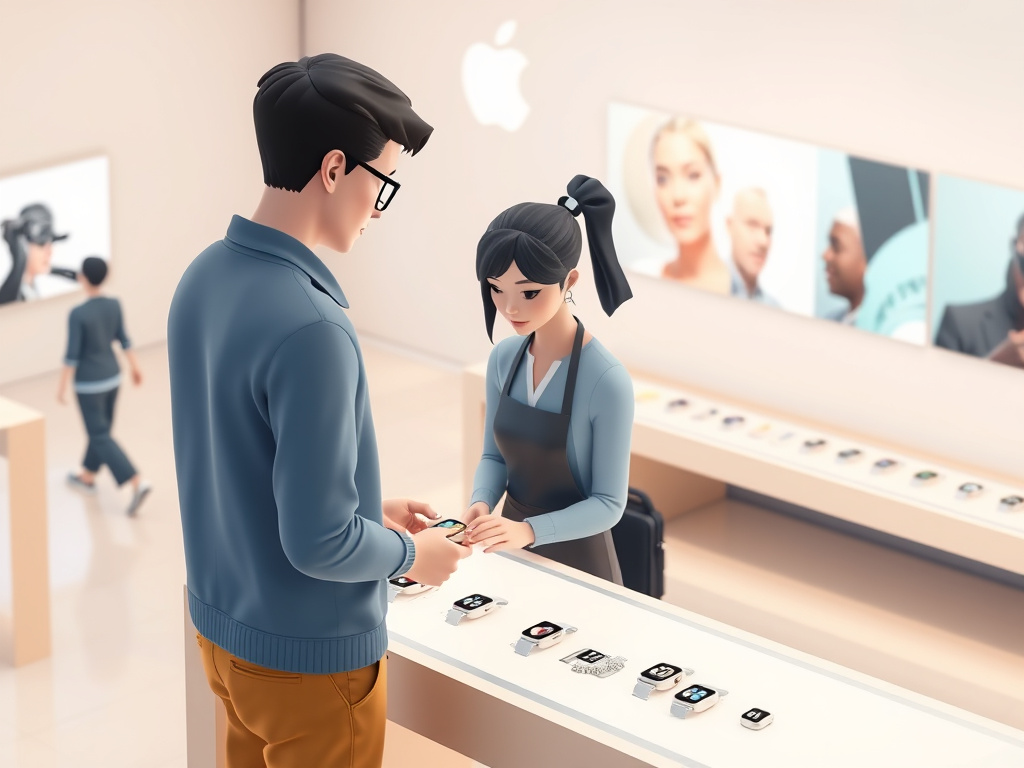
If you want to hold an Apple Watch, compare band sizes, or walk out wearing one today, the plan is different from browsing online. Start by finding a physical Apple Store near you, confirm what's actually in stock there, and go in person rather than placing an online order and waiting on shipping.
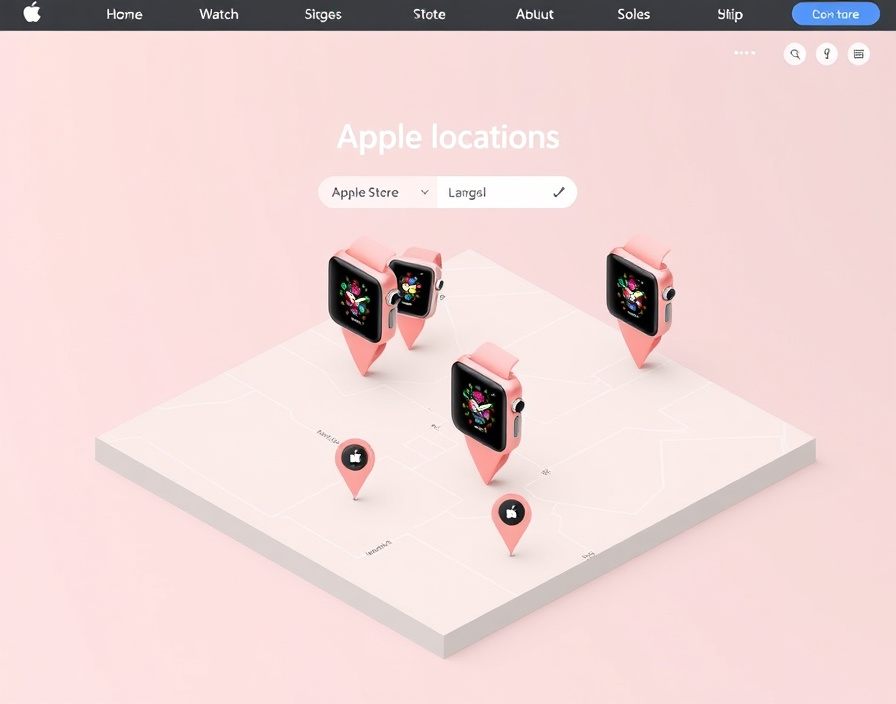
- Find the nearest Apple Store. Use Apple's own store locator rather than a general map search, since it reflects current Apple-run locations rather than resellers or carrier shops.
- Check that store's own page. Each location's page lists its address, hours, and any notice about reduced hours on holidays — general "opening hours" assumptions from a search result are frequently wrong for a specific mall or city.
- Call ahead if the model matters. Apple Watch case sizes, colors, and band combinations don't all sit on every shelf; a phone call or the store page's stock indicator saves a wasted trip.
- Buy in person. Paying in-store means you walk out with the device, and staff can pair it to your iPhone before you leave — useful if you're replacing a watch you're wearing right now.
This route matters specifically for the Apple Watch because setup and band-fit questions are easier to resolve face to face than by return-shipping a size that doesn't sit right on your wrist.
A device has a hardware or setup problem
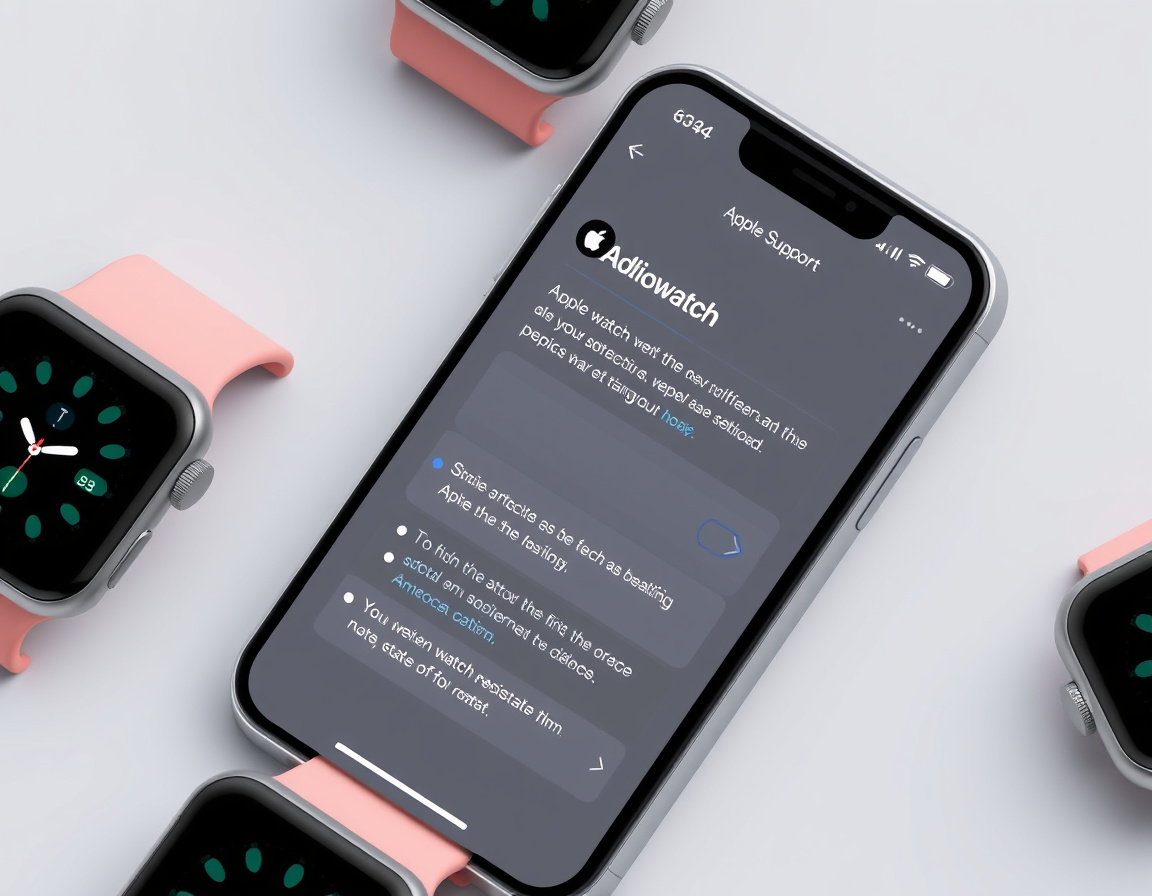
Start online, not in the parking lot. If an Apple Watch won't pair, won't charge, or has a cracked display, the fastest path is to describe the problem through Apple Support first — signed in with the Apple Account tied to the device — since many setup and software issues can be narrowed down or resolved before a visit is even needed.
- Diagnose first. Apple's support flow asks for the serial number and symptoms and will suggest a fix, a mail-in repair, or a store appointment based on what's wrong.
- Book before you go. A Genius Bar or "Today at Apple" session slot is bookable ahead of time through the same support flow; walking in without one tends to mean a longer wait than arriving with a confirmed time.
- Bring the essentials. A backup of the watch (via the paired iPhone), your Apple Account passcode, and proof of purchase or an AppleCare number speed up an in-store visit — without them, staff often can't authorize a repair or replacement on the spot.
- Ask about repair timelines before you commit. Whether a battery or display repair can be done that day or needs to be sent out varies by store and by the specific damage, so ask when you book rather than assuming either way.
Sorting the problem into "software" or "hardware" before you leave the house is the biggest time-saver here — a support conversation costs nothing and can rule out a wasted trip.
You have chosen an iPhone, iPad or Apple Watch
Once you know the model, the remaining decisions are how you pay and how the order is tracked. None of this changes what the device does, but skipping it means discovering discounts or delays after you've already checked out.
- Apple Gift Card. Balances apply both online and in Apple retail stores; check the remaining balance through the Wallet app or at checkout rather than guessing.
- Financing or a credit option. Apple offers monthly financing through select cards and carriers, which changes the sticker price into a monthly line item — worth comparing against a straight purchase before you commit.
- Education pricing. Apple's education store offers a reduced price on eligible hardware for students and staff at qualifying schools; the eligibility rules and how they're checked at checkout are set by Apple and can change, so confirm current terms on Apple's own store page rather than assuming last year's rules still apply.
- Sign in before you buy. Completing checkout signed in to your Apple Account — not as a guest — is what lets you track the order, arrange in-store pickup, and start a return or exchange later without digging up a receipt.
Apple Watch orders placed online can typically be picked up at a physical store rather than shipped, which is worth choosing if you want the device paired and tested before you leave.
Apple Store (physical retail location)
An Apple Store is the branded, in-person retail location — a Houston Galleria or a mall storefront, not a website. It's where the "in person or same day" and "hardware problem" paths above actually happen: buying, pairing, and repairing all take place at this physical location, staffed by Apple employees rather than a carrier or third-party reseller.
The distinction matters because a carrier store or a big-box electronics counter can sell the same Apple Watch hardware but can't always match an Apple Store's repair capability, appointment booking, or return handling — those are tied to Apple's own retail and support systems specifically.
Apple online store
The Apple online store is the website and app version of the same catalog — browsing, configuring, and buying remotely, with the order shipped or set aside for in-store pickup. It carries the full current lineup, including Apple Watch models, bands, and accessories, and it's where gift card balances, financing options, and trade-in estimates are entered before checkout.
The practical difference from the physical store isn't the products — it's the timeline. Online, you're choosing between shipping speed and in-store pickup; in person, you're choosing based on what a specific location has on the shelf right now.
Store locator (Find a Store / store list)
The store locator is the tool, hosted by Apple, that turns "there's an Apple Store somewhere near me" into an address, hours, and a map pin. It's the first stop for the in-person path above, and it's more reliable for Apple-run locations specifically than a general search, since carrier and reseller shops using the Apple name won't necessarily show up the same way or offer the same services.
Cross-check the individual store's own page after using the locator — chain-wide "typical hours" don't always match a specific mall's Sunday hours or holiday closures.
Third-party store listing (map/directory)
Non-Apple map and directory listings — the kind that show up on a general map search — often list the same address and phone number for an Apple Store, but they're not maintained by Apple and can lag behind on hours, temporary closures, or a store that has moved within a mall. Treat them as a rough starting point, and confirm anything specific (parking, mall entrance, exact hours) against Apple's own store page before you drive over.
Apple product range
Apple's retail catalog spans several product lines sold through the same stores and the same online storefront — iPhone, iPad, Mac, and the Apple Watch among them. The iPad sits alongside the Watch in both channels: it's shelved and demoed in the physical store the same way a Watch is, sold through the same online storefront, and covered by the same Apple Support and Genius Bar paths if something goes wrong with it. For a shopper choosing between an iPad and an Apple Watch as a gift or an add-on purchase, the buying mechanics — financing, gift cards, pickup — don't change between the two; only the device itself does.
What ties the whole range together for a shopper is that pricing tools (gift cards, financing, education discounts) and support paths (Apple Support, Genius Bar appointments) work the same way across all of them, even though the products themselves are unrelated in function. That shared plumbing is why a guide about buying an Apple Watch and a guide about getting an iPhone screen repaired end up describing the same checkout and appointment steps.
What is the best Apple Watch to get right now?
For most buyers, the standard numbered Series model is the best pick right now: it carries the full current sensor set and always-on display without the bulk or price of the Ultra. That's the same conclusion Consumer Reports' Apple Watch buying guide, MacRumors' Apple Watch roundup, and TechRadar's best Apple Watch guide each land on when they walk through the lineup: SE for value, the standard Series for most people, Ultra for endurance and outdoor use.
But the right pick still depends on which iPhone you're pairing it with and what you actually use a watch for — a detail worth checking before the tier decision. Every current Apple Watch requires an iPhone to set up and to use most features, and the iPhone you already own can rule some models in or out before price ever enters the decision, since older iPhones may not run the iOS version a newer watch generation needs — a compatibility detail Apple's own product page and Consumer Reports' guide both flag as the first thing to check, not the price tag.
With that in mind, here's how four current tiers split by use case and by what iPhone situation makes each one the sensible pick:
| Model tier | Best for | iPhone consideration | Trade-off |
|---|---|---|---|
| Apple Watch SE (current generation) | First-time buyers, kids on Family Setup, budget upgrades | Pairs fully only with a reasonably recent iPhone running current iOS; check your iPhone's software support window first | Drops always-on display and some sensors found on higher tiers |
| Apple Watch Series (current numbered generation) | Most existing iPhone owners wanting the full feature set | Needs an iPhone that still receives current iOS updates to use newer health and safety features | Costs more than the SE for features some users won't touch |
| Apple Watch Ultra (current generation) | Outdoor, diving, or endurance-sport use, and anyone wanting the longest battery life in the lineup | Same iPhone/iOS requirement as the Series line — the larger case doesn't loosen the pairing requirement | Larger, heavier case than most day-to-day users want |
| An older Series still sold discounted or bought used | Someone with an older iPhone that can't run the newest iOS, or a strict budget | Confirm the specific older iPhone model is still on a supported iOS version before buying — an unsupported pairing means missing features, not a refund-eligible fault | Shorter remaining software-update runway than a current model |
Practically, this means the "best" watch changes depending on one fact you already have sitting in your pocket: which iPhone, on which iOS version, you're going to pair it with — but if that check comes back clean, the standard Series is the default answer for most people, with SE and Ultra as the deliberate exceptions.
Is it worth buying an Apple Watch now?
Yes, if your current iPhone can run the software the watch needs and you'll actually use its health or notification features daily — the value holds up regardless of exactly which generation launched most recently. It's worth waiting only if you're chasing a specific feature rumored for the next release, or if your iPhone is old enough that it may not support a new watch's full feature set, in which case an iPhone upgrade decision comes first.
Apple's watch lineup updates on a yearly cadence, and the SE, Series, and Ultra tiers stay fairly stable in what separates them from one release to the next — the bigger differentiator is which tier matches your use case, not which specific year's model you land on. If price is the deciding factor, discounts on the previous generation typically appear once a new one ships, which is the moment to buy down a tier rather than wait for a further markdown on the newest model. If your iPhone is several years old, check its supported iOS version before spending on any watch tier, since that single check determines whether the purchase delivers the features you're paying for on day one.
Some people move away from the Apple Watch entirely, and the reasons tend to cluster around a few things rather than one universal complaint: a battery that no longer holds a full day's charge as it ages, a preference to stop wearing any wrist device, or a phone switch — since an Apple Watch stops working as a smartwatch without an iPhone to pair with. None of those are reasons to avoid buying one new; they're reasons to check battery-replacement cost and your own phone plans before you buy, not after.
If you've settled on a tier from the table above, the next step is confirming your iPhone's current iOS version against that model's stated requirement on Apple's product page — that single check decides more of the outcome than which store you buy from.